
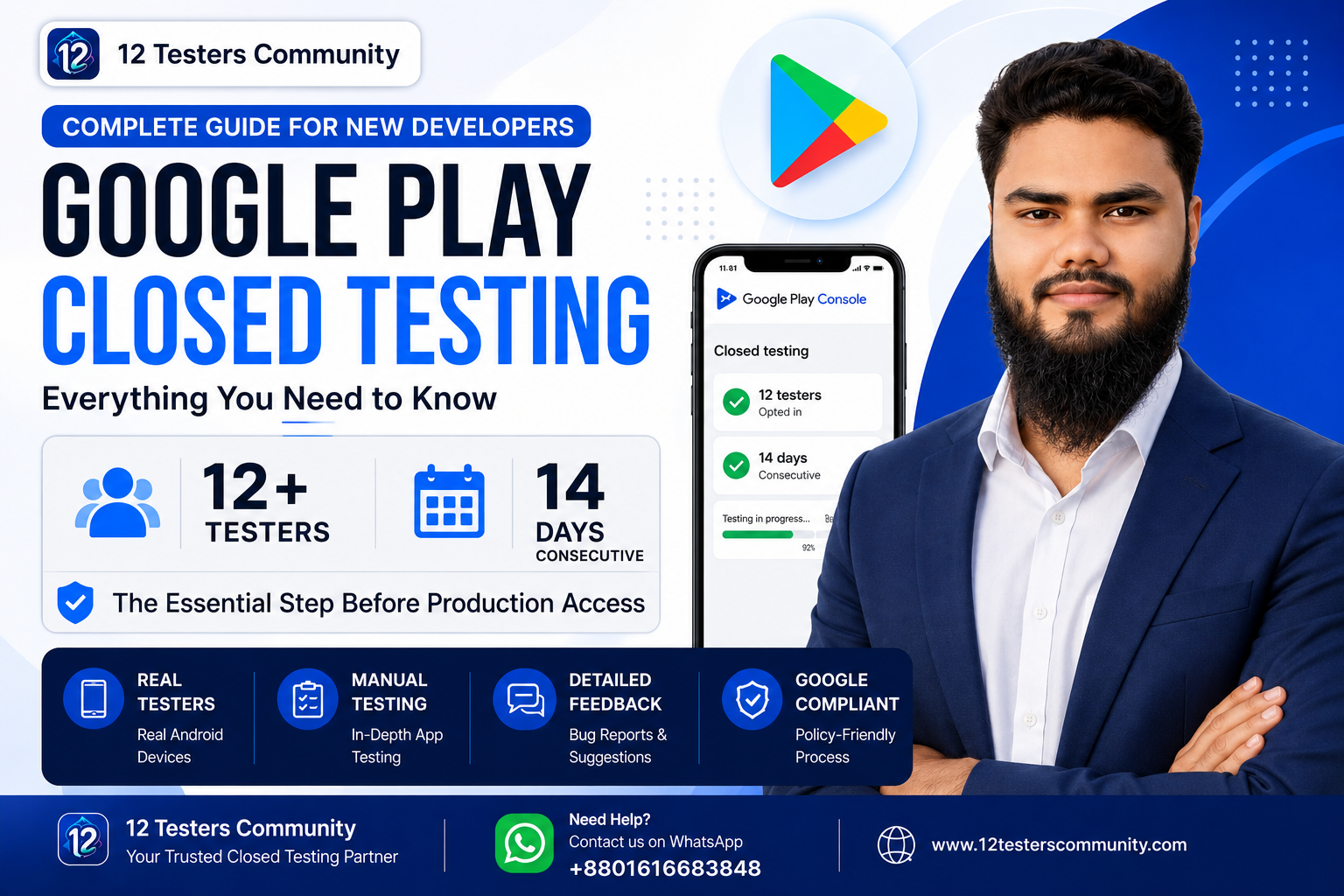
Google Play Closed Testing: Complete Guide for New Developers
If you are publishing your first Android app on Google Play, you may have encountered the closed testing requirement before your app can be released to production.
For newly created personal developer accounts, Google Play requires a closed test with at least 12 testers who remain opted in for 14 consecutive days before you can apply for production access.
This guide explains how Google Play closed testing works, what testers need to do, how to prepare your test, and what to expect when you apply for production access.
What Is Google Play Closed Testing?
Closed testing is a testing track in Google Play Console that allows you to distribute your app to a controlled group of testers before making the app publicly available.
It gives developers an opportunity to:
- Test the app with real users
- Identify bugs and technical issues
- Collect feedback
- Improve usability
- Verify important app features
- Prepare the app for a production release
Closed testing is different from internal testing and open testing. With closed testing, you choose and manage the group of people who can access the test.
Who Needs to Complete the 12-Testers Requirement?
Google's current testing requirement applies to newly created personal developer accounts.
If your account falls under this requirement, you need to complete the required closed testing period before you can apply for production access.
Google's official documentation states that the app must have a minimum of 12 testers opted in for at least 14 days continuously.
You can read the latest requirements directly in Google's official Play Console Help documentation.
How Many Testers Do You Need?
You need at least:
12 testers
These testers must be opted in to your closed test and remain opted in continuously for the required period.
It is a good idea to recruit more than the minimum number when possible. Having additional testers can help reduce the risk of falling below the minimum if someone leaves the test.
However, simply collecting email addresses is not the goal of testing. The purpose of closed testing is to have real users test the app and provide useful feedback.
How Long Does Closed Testing Take?
The required period is:
14 consecutive days
The 14-day period is important. Testers who opt out before completing the required period may not satisfy the continuous testing requirement.
For this reason, developers should prepare their tester group before starting the testing process and make sure testers understand how to remain opted in.
How to Set Up a Closed Test in Google Play Console
The general process is straightforward.
Step 1: Prepare Your App
Before starting the test, make sure your Android app is ready for testing.
Check:
- App functionality
- Login and registration
- Navigation
- Important features
- Crash issues
- Permissions
- App content
- Privacy information
- Store listing information
Your testers should receive a version of the app that is functional enough to evaluate.
Step 2: Create a Closed Testing Track
Open your Google Play Console and navigate to the testing section.
Create a Closed testing track and configure the testers who will participate in the test.
Google Play provides different testing tracks for different purposes, so make sure you select the closed testing track when the goal is to complete the applicable production-access testing requirement.
Step 3: Add Your Testers
Invite your testers using the method provided by Google Play Console.
Testers need to join the closed test using their Google account and follow the provided testing instructions.
Keep a record of the testing group so you can communicate with testers if there are issues or updates.
Step 4: Publish the Test Release
Once the closed testing release is ready, publish it to your testing track and provide the testers with the appropriate opt-in link or access instructions.
Testers should successfully join the test before you consider the testing process fully underway.
Step 5: Keep Testing for 14 Consecutive Days
The testers should remain opted in throughout the required testing period.
During this period, developers should not simply wait for the 14 days to finish.
Use the opportunity to test the app properly.
Ask testers to explore important features, report bugs, check different screens, and provide useful feedback.
Why Tester Engagement Matters
The purpose of Google's testing requirement is not simply to collect a list of tester accounts.
Testing helps developers discover problems before an app reaches the public.
Google recommends encouraging testers to use different features of the app and provide feedback. This can help developers identify usability problems, bugs, and other issues before production.
For example, testers can check:
- App startup
- Login and signup
- Main features
- Navigation
- Notifications
- Payments, if applicable
- Different screen sizes
- App performance
- Crashes
- Error messages
- Overall user experience
The exact testing activities should depend on what your app actually does.
What Happens After 14 Days?
Once your app meets the applicable closed testing criteria, you can apply for production access from the Play Console.
Google may ask questions about:
- Your closed testing process
- Your app
- Your testing results
- Your production readiness
Completing the 12 testers and 14-day requirement does not mean that production access is automatically guaranteed.
Google reviews the production access request and may ask you to continue testing if the app or testing process does not appear ready.
Common Closed Testing Mistakes
Here are some common mistakes developers should avoid.
1. Starting Without Preparing the App
Do not start testing with an app that is completely unfinished.
Fix major crashes and critical problems before inviting testers.
2. Relying Only on the Minimum Number
If possible, recruit a few additional testers so that you have some margin if someone leaves the test.
3. Testers Leaving the Test Early
The required tester period is continuous. Testers should understand that leaving the test can affect whether they satisfy the requirement.
4. Ignoring Tester Feedback
Testing should be used to improve the app.
If testers report crashes, broken features, confusing navigation, or other problems, investigate and fix them.
5. Assuming Production Access Is Guaranteed
Meeting the minimum testing criteria allows you to apply for production access, but the final decision is made through Google's review process.
How to Make Your Closed Testing More Effective
A good testing process should be structured rather than passive.
Create a simple testing checklist for your testers.
For example:
- Install the test version.
- Open the app and complete the onboarding.
- Test the main feature.
- Try different sections of the app.
- Look for crashes or unexpected behavior.
- Test important buttons and forms.
- Report any problems you find.
- Continue participating in the closed test throughout the required period.
This gives developers more useful information than simply asking testers to install an app and do nothing.
Need Help With Google Play Closed Testing?
Finding and coordinating testers can be difficult, especially for independent Android developers who do not already have a testing community.
12 Testers Community provides a tester coordination and closed testing support service for Android developers who need help organizing their testing process.
Our approach focuses on real testing participation, tester coordination, feedback, and helping developers manage their closed testing workflow.
Get Started
If you are preparing a new Android app and need help with your closed testing process, you can learn more about our service here:
12 Testers Community
Visit: https://12testerscommunity.com/
Final Thoughts
Google Play closed testing is an important part of preparing an Android app for production.
For applicable new personal developer accounts, the current requirement is at least 12 opted-in testers for 14 consecutive days before applying for production access.
Instead of treating the requirement as something you simply need to complete, use the testing period to find bugs, collect meaningful feedback, improve your app, and make sure it is genuinely ready for public users.
Always check Google's official Play Console documentation for the latest requirements because Google Play policies and testing processes can change over time.
Official Google Play documentation:
https://support.google.com/googleplay/android-developer/answer/14151465
