
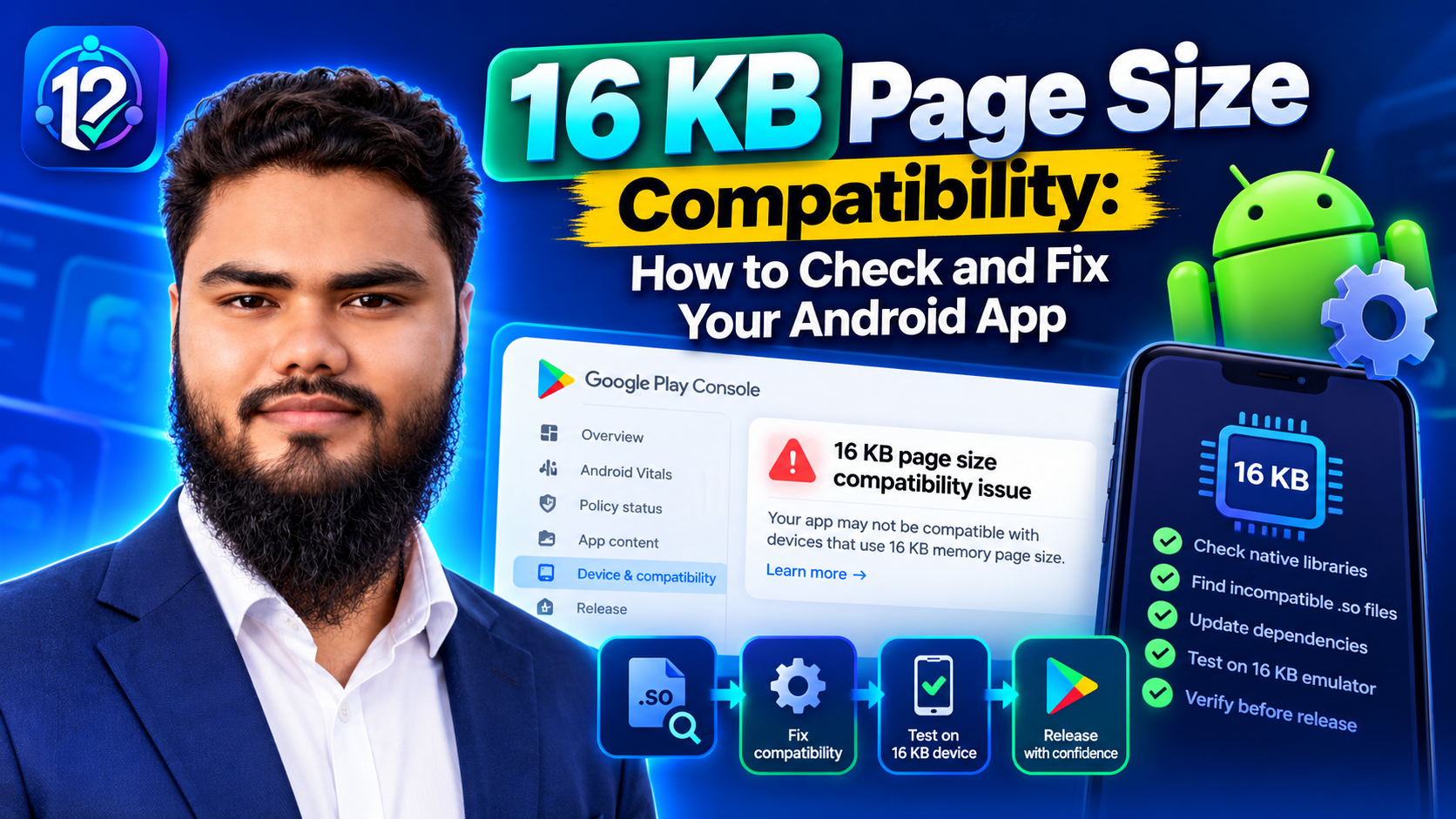
Last reviewed against the official Android Developers page-size guide and linked Google Play documentation. Build-tool versions and Play Console warnings can change, so confirm the current values before release.
Android devices have historically used 4 KB memory pages. Beginning with Android 15, Android supports devices configured with 16 KB pages. If your app ships native code, either directly or through a library or SDK, those binaries must be built and packaged for the larger page size. Otherwise the app may fail to install or crash on a 16 KB device.
This guide covers the checks, the likely owner of the problem, the fix, and the runtime test.
Quick answer: what you need to check
The short version
- The requirement covers apps targeting Android 15 (API level 35) or higher on 64-bit devices. Google's current page documents a release block for non-compliant app updates from the stated enforcement date.
- Check for native libraries first. If the APK or bundle has no
.sofiles, the app has no native code of its own. - Three checks matter: ELF alignment inside each
.so, ZIP alignment inside the APK, and runtime behaviour on 16 KB. - Passing one check is not enough. The other layers can still fail.
- Native code often comes from an SDK or framework. A Kotlin-only app is not exempt if a dependency ships a prebuilt
.so.
What a memory page size is, and why 16 KB matters
A memory page is the smallest block of memory the operating system manages when it maps memory. With 4 KB pages, memory is divided into 4,096-byte units; with 16 KB pages, the unit is 16,384 bytes. The kernel, linker, and memory-mapped files all work in these units.
Larger pages can reduce page-table overhead and improve some launch and memory behaviour on high-RAM devices. The trade-off is that native binaries must be prepared for the larger alignment.
Your app is in scope if it contains C or C++ code, links a third-party native library or SDK, or is built by a framework that bundles native libraries.
If the app and every library it uses are Java or Kotlin only, Google states that it already supports 16 KB devices. That exception is narrow: a Kotlin app that adds an analytics, ads, ML, mapping, payment, or media SDK with a native binary is no longer native-free. Flutter, React Native, Unity, and other frameworks are not automatically safe or unsafe; the engine and plugins determine the risk, so inspect the artifact.
What Google Play actually requires
Google's page-size guide states the requirement precisely: all apps targeting Android 15 (API level 35) and higher must support 16 KB memory page sizes on 64-bit devices on Google Play. Starting February 1, 2027, if your app updates do not support 16 KB memory page sizes, you will not be able to release those updates.
This is a native-binary and packaging requirement, not a target-API fix. Changing targetSdkVersion does not rebuild a 4 KB-aligned .so or repackage it. It is also separate from the target API level requirement, AAB versus APK packaging, Android Vitals thresholds, and closed testing or production access.
The three compatibility checks
Think of 16 KB compatibility as three layers. A failure at any layer can stop the app even if the other two pass.
ELF alignment is a property of the compiled library. The loader maps each LOAD segment; on a 16 KB device, those segments must be aligned to at least 16 KB. ZIP alignment is a property of the package. If shared libraries are stored uncompressed in the APK, their entries must start on a 16 KB boundary so the loader can map them directly. Runtime behaviour is whether the code itself makes correct assumptions about page size.
Google also documents a RELRO failure mode: a GNU_RELRO segment that is not 16 KB aligned can crash at runtime even when the LOAD alignment looks correct. This is associated with NDK r27 and lower when the relevant linker flags are missing. It is another reason not to treat a single alignment command as a complete verdict.
Step-by-step compatibility workflow
The workflow below is a practical recommendation, not a Google requirement. It moves from the Play Console warning to a verified fix without changing versions at random.
- Check the Play Console warning. Google points developers to the App bundle explorer for build compliance. Treat the warning as a signal to inspect the artifact, not as proof of a specific culprit.
- Inspect the app for native libraries. Use APK Analyzer and look for a
libfolder. If there are no.sofiles, the app has no native code of its own; otherwise list every ABI and filename. - Check ELF alignment. Run
llvm-objdump -p libfoo.so | grep LOADon each library. EveryLOADline should showalign 2**14or higher;2**13or2**12is below 16 KB. - Check ZIP alignment and bundle configuration. Run
zipalign -c -P 16 -v 4 app.apkandbundletool dump config --bundle=app.aab | grep alignment. The bundle should reportPAGE_ALIGNMENT_16K;PAGE_ALIGNMENT_4Kmeans generated APKs are configured for 4 KB. - Identify the owner. Rebuild your own native code with the correct NDK flags. For a prebuilt SDK, update or replace it; you cannot recompile the vendor's binary. For a framework engine or plugin, update it and recheck.
- Update and rebuild. Apply the build fix that matches the owner, then rebuild the bundle and re-run the ELF and ZIP checks. Do not assume a version bump fixed the artifact; verify it.
- Test on 16 KB. Install the app on a 16 KB emulator or supported device, confirm the page size, and exercise the features that depend on native code. Watch for the system's 16 KB backcompat warning.
- Recheck the release. After uploading, inspect the App bundle explorer again and confirm the warning is gone for the new artifact. Keep the previous release available for comparison.
Build configuration: recommended fixes and documented workarounds
Google's documented baseline is AGP 8.5.1 or higher and NDK r28 or higher. With those versions and compatible prebuilt dependencies, the app is 16 KB compatible by default. The official page also documents fallbacks; treat them as compatibility paths to verify, not as equivalent to the modern setup.
Baseline versus fallback
| Area | Recommended fix | Documented fallback or detail | Verify with |
|---|---|---|---|
| Packaging | AGP 8.5.1 or higher, with uncompressed shared libraries. | On AGP 8.5 or lower, compress shared libraries with useLegacyPackaging true; on AGP 8.0 or lower, also set android.bundle.enableUncompressedNativeLibs=false. |
zipalign and bundletool dump config |
| NDK | NDK r28 or higher compiles 16 KB-aligned by default. | On r27 or lower, add -Wl,-z,max-page-size=16384 and -Wl,-z,common-page-size=16384 through your build system. |
llvm-objdump -p on each .so |
| Page-size code | Use getpagesize() or sysconf(_SC_PAGESIZE) at runtime. |
Remove hard-coded 4096 assumptions and review PAGE_SIZE; it is undefined in 16 KB mode on NDK r27+. |
Code search and a 16 KB runtime test |
| Memory mapping | Make mmap() and similar APIs use runtime page-size alignment. |
Review allocators that assume 4 KB pages or fixed byte thresholds. | Runtime profiling and 16 KB testing |
| RELRO | Rebuild with a linker configuration that produces a 16 KB-aligned GNU_RELRO segment. |
Check with llvm-readelf -Wl; documented for NDK r27 and lower without the relevant flags. |
RELRO offset plus MemSiz modulo 16 KB |
| SDKs and engines | Use a version the provider documents as 16 KB compatible. | If no compatible version exists, replace it or ask the provider; you cannot recompile a prebuilt binary. | Reinspect lib/ after the update |
Linker flags for older NDK versions
For CMake on NDK r27 or lower:
target_link_options(${CMAKE_PROJECT_NAME} PRIVATE
    "-Wl,-z,max-page-size=16384"
    "-Wl,-z,common-page-size=16384")
For ndk-build:
LOCAL_LDFLAGS += -Wl,-z,max-page-size=16384 -Wl,-z,common-page-size=16384Do not combine old flags with a newer NDK default without checking the result. Flags do not recompile a prebuilt library.
Testing in a 16 KB environment
Set up the environment
In Android Studio's SDK Manager, choose a Google APIs Experimental 16 KB Page Size image and create a virtual device; some physical devices also offer a 16 KB boot option. For a wider device matrix, see compatibility testing across different devices.
Verify the environment:
adb shell getconf PAGE_SIZEThe expected value is 16384. Then install the APK that Play would generate from the bundle, not only the debug build from your IDE. Run the ZIP alignment check:
zipalign -c -P 16 -v 4 app.apkWhat to test
A passing ZIP check and a successful install do not prove that the app works. Google's 16 KB backcompat mode can let some 4 KB-aligned apps run with a first-launch warning; that is a fallback, not a guarantee. Exercise the native-code features:
- Cold start, onboarding, and navigation through the main screens.
- Login, session restore, and account switching.
- Network, image, video, audio, and file access.
- Camera, maps, ads, analytics, payments, or ML features that use an SDK.
- Background work, notifications, and memory-heavy workflows.
Even a Java/Kotlin-only app should get a 16 KB test run; Google recommends it to catch unexpected regressions. It matters most for framework engines and large SDK sets.
Troubleshooting decision table
| Symptom or warning | Likely cause | What to inspect | Recommended next step |
|---|---|---|---|
| Play Console warns but names no library. | Bundle-level warning; the artifact is not identified. | APK Analyzer's lib/ folder and the App bundle explorer. |
List every .so and check ELF alignment first. |
A library reports align 2**12 or 2**13. |
Compiled with 4 KB alignment, often by an older NDK or prebuilt SDK. | Filename, ABI, and which dependency ships it. | Rebuild your own library with r28+ or the r27 flags; update a prebuilt SDK. |
Every .so looks aligned, but zipalign fails. |
Packaging or bundle configuration is not producing 16 KB ZIP alignment. | AGP version, bundle config, and the generated APK. | Use AGP 8.5.1+ and uncompressed libs, or the documented fallback; rebuild. |
| Local APK passes, but Play still warns. | Play packages APKs from the bundle; the local path differs. | The uploaded AAB, PAGE_ALIGNMENT, and the APK Play generated. |
Test the artifact Play produces and re-upload after the fix. |
| App installs but crashes or misbehaves at runtime. | Code assumes 4096-byte pages, misuses mmap, or has a RELRO issue. |
Native crash trace, PAGE_SIZE, mmap, RELRO. |
Fix the code or rebuild the library; retest the affected feature. |
| A framework app fails only after a plugin is added. | The engine may be compatible while a plugin ships an old .so. |
The plugin's native libraries and version support. | Update or replace the plugin; the framework version alone is not enough. |
Common mistakes
- Ignoring the Play Console warning. A non-compliant update can become a release blocker on the documented enforcement date.
- Changing target API and assuming that is enough. It does not recompile or repackage native libraries.
- Assuming every
.sois your own code. SDKs, engines, and plugins commonly ship prebuilt binaries. Find the owner first. - Checking only the AAB. Check the bundle configuration and the APK Play generates.
- Claiming compatibility after a build or install. Run the alignment checks and exercise the app on 16 KB.
- Applying a workaround without verifying it. Fallbacks are not automatic proof that the final artifact is compatible.
Frequently asked questions
What is a 16 KB memory page size?
The smallest block of memory the OS manages. A 16 KB page is 16,384 bytes instead of 4,096. Native libraries must be built and packaged for that alignment.
Does my app need to support 16 KB if it is Java or Kotlin only?
If the app and every dependency are Java or Kotlin only, Google states that it already supports 16 KB. If any dependency ships a native .so, check it.
Can I fix a third-party SDK's library myself?
Not with your own linker flags. The provider compiled that binary. Update the SDK, ask for a compatible build, or replace it.
Why does the app still crash if the alignment checks pass?
Code can assume 4096-byte pages, misuse mmap, mismanage an allocator, or have a misaligned RELRO segment. Test on 16 KB.
Does a successful install prove compatibility?
No. It can install and fail when a native feature is used; backcompat mode can mask the problem. Test the important journeys.
Release checklist
- Check the Play Console 16 KB warning and the App bundle explorer for the artifact you plan to upload.
- Inspect the APK or bundle for
.sofiles and list every ABI and filename. - Verify each library's
LOADsegments showalign 2**14or higher. - Verify the APK with
zipalign -c -P 16 -v 4and the bundle withbundletool dump config. - Identify whether each failing library belongs to your code, an SDK, or a framework/plugin.
- Update AGP/NDK or the dependency, rebuild, and repeat all checks on the new artifact.
- Test on a 16 KB emulator or supported device; confirm
adb shell getconf PAGE_SIZEreturns16384. - Run the native-feature regression checklist and check for the backcompat warning.
- Recheck the new release in Play Console and keep the previous artifact for comparison.
Official sources
- Android Developers — Support 16 KB page sizes — requirement, scope, deadline, APK Analyzer, ELF/ZIP checks, RELRO, AGP/NDK configuration, and emulator testing.
- Android Developers — Analyze your build with APK Analyzer — inspecting APK contents and native libraries.
- Android Developers — Android Gradle plugin Upgrade Assistant — upgrading AGP.
- Android Developers — Android NDK guides — NDK build configuration and native toolchains.
- Android Developers — zipalign — APK alignment verification.
- Android Developers — Set up the Android 15 SDK — SDK and emulator setup.
Conclusion: verify the artifact, not the version number
16 KB compatibility is three properties: compiled-library alignment, package alignment, and runtime behaviour. Start from the Play Console warning, find the responsible .so or packaging setting, fix the owner, rebuild, and test the artifact Play will ship. Do not stop at a build, install, or version bump.
If you need real testers for a release, 12 Testers Community provides closed-testing support. It does not replace these checks, and no testing service can guarantee approval.
