
Last reviewed against Google Play Console Help: October 2026.
Play Console says you need a closed test with at least 12 testers who stay opted in for 14 days before you can apply for production access — and you can think of maybe four people with an Android phone. This article covers the part nobody plans for: where those testers come from, and how to keep them.
It compares seven legitimate recruitment routes and explains what makes a tester count in Google's system rather than in your spreadsheet. Google's rules are quoted and linked; everything else is labelled as practical guidance. One thing up front: meeting the requirement makes you eligible to apply — it does not guarantee approval.
Choose a method
Each route has its own section. Jump to the one that fits, or read the comparison table and checklist first.
Quick answer
There is no single best route — it depends on whether you have a network, an audience, time or a budget, and most tests combine two or three. No method guarantees production access.
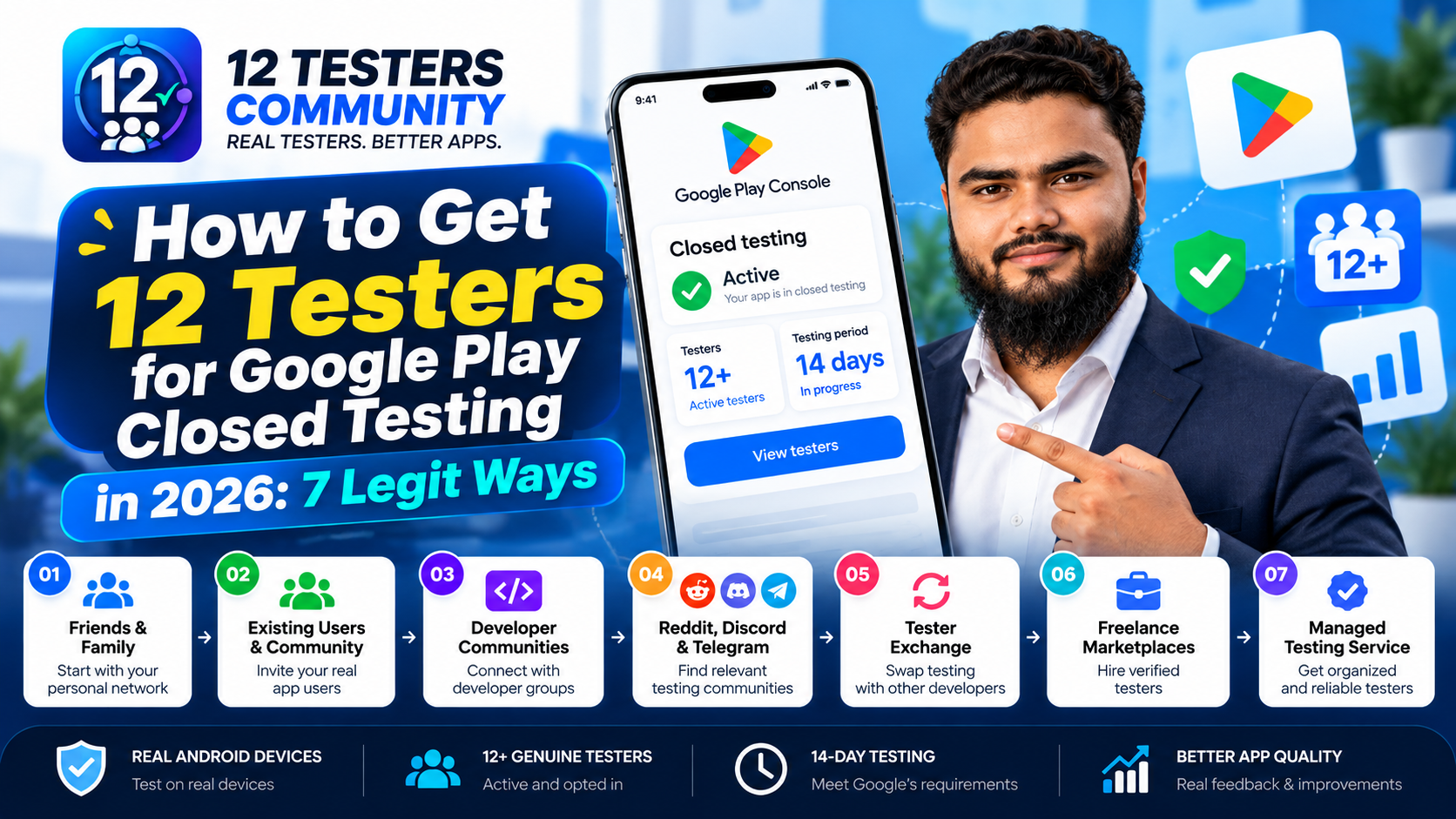
Method 1
Friends & Family
Best for: your first few testers
Advantage: easy to contact directly
Limitation: small pool, engagement fades
Method 2
Existing Users
Best for: products with an audience
Advantage: feedback closer to real users
Limitation: only if you have an audience
Method 3
Developer Communities
Best for: widening the pool
Advantage: people who understand testing
Limitation: slower, and rules vary
Method 4
Reddit, Discord & Telegram
Best for: reaching strangers quickly
Advantage: real-time chat, fast replacement
Limitation: each group has its own rules
Method 5
Tester Exchange
Best for: developers with time, no budget
Advantage: mutual and low cost
Limitation: reciprocal effort; fragile if one side quits
Method 6
Freelance Marketplaces
Best for: buying time with money
Advantage: fast to arrange
Limitation: quality varies; verify carefully
Method 7
Managed Testing Service
Best for: hands-off recruitment
Advantage: someone else runs the process
Limitation: costs money; no approval guarantee
What Google actually requires
Google Play Console Help states that developers with personal accounts created after November 13, 2023 must run a closed test with a minimum of 12 testers opted in continuously for at least 14 days before the app is eligible for distribution; Production and Pre-registration stay disabled until then.
At the point of applying: "At least 12 testers must be opted in to your closed test when you apply for production access, and they must have been opted in continuously for the preceding 14 days." That measures opt-in status across 14 days — not opens, sessions or minutes (Play Console Help). The rule is unpacked in 12 testers and 14 days explained.
12 invitations ≠ 12 qualified testers
This is the most expensive misunderstanding in closed testing.
Adding twelve email addresses does not give you twelve testers — it gives you twelve invitations. Google's requirement is written about testers who are opted in: people who opened the opt-in link, signed in with the account you added, and joined the test. An invitation nobody accepted counts for nothing.
Google's FAQ explains what breaks continuity: "Testers who opt in, test for fewer than 14 days, and then opt out do not count toward the requirement. If a tester opts out and opts back in later, the 14 days must be consecutive to count toward the minimum requirement of 12 continuous opted-in testers."
So a "tester" can be in several states, and only some help you: invited (nothing counted yet); group member (for a Google Group test — still not opted in, and Google notes members must join the group first); opted in (now they count, and their continuous period starts); opted out (their streak ends, and returning restarts their 14 days); and installed and using it, which is where feedback comes from.
The quiet failures are invisible in a list of names:
- The wrong Google account. Your tester gave you one address, but their phone's Play Store uses another. From Play Console's view they never opted in — the classic reason a count is stuck.
- "I did it" without doing it. The opt-in is small and easy to skip. Only Play Console is authoritative — see what counts as an eligible tester.
- A dropout nobody noticed. Someone opts out on day 6, and you still reach day 14 believing you have twelve.
- An opt-in link that never worked. Google states the link only displays when the app's status is Published; Draft or Pending publication show no link at all.
So recruit a buffer. Extra testers are a practical safeguard, not a Google requirement — but they are the difference between one dropout being an inconvenience and one pushing your application back two weeks. See how to add testers and what resets or breaks your testing period.
1. Friends & Family
How it works. Add each person's Play Store Google account to a closed testing track and send them the opt-in link. Google's guidance names personal and professional networks — friends, family, colleagues, classmates — as the most common recruitment route.
Why a link is not enough. Closed tests are not searchable, so testers cannot find your app on Play. They must complete the opt-in first, and the opt-in — not the install — is what Google counts.
Limitations. The pool is small, many friends use iPhones, and goodwill is not engagement. Google requires testers to stay opted in for at least 14 days, which is an awkward ask for a favour.
- Ask which account is signed into their Play Store before adding them
- Send the opt-in link directly instead of "look for the app"
- Confirm they show as opted in in Play Console — not that they said they did
- Ask them to stay installed and opted in until you say the test has finished
Back to top ↑ · Compare methods
2. Existing Users & Your Community
How it works. If you already have an audience, you have the strongest recruiter there is: customers of an earlier app, an email list, social followers, a community you run, or anyone who tested an earlier version.
Why their feedback is often better. They already understand the problem your app solves, so their reactions resemble your eventual users'. Google's guidance makes the same point: recruit testers who represent your intended audience.
The caveat. An existing relationship qualifies nobody. Each tester still needs a real Google account, a real opt-in and continuous participation. Twelve followers who cheer your post but never tap the link are twelve invitations.
Practical notes. Announce the test, say what joining involves, and make opting in one click. Keep it about testing: Google Play policy does not permit incentivised or fake reviews.
Back to top ↑ · Compare methods
3. Developer Communities
How it works. Android developer communities, indie forums, meetups, university tech clubs and specialist Slack or Discord groups are full of people who understand why you need testers — and many need the same thing. Google's guidance suggests connecting with communities where potential users already gather.
How to ask properly. A vague "need 12 testers, please help" gets ignored or removed. Include what your app does and who it is for; that it is a Google Play closed test, with dates; what a tester has to do; any device requirement and rough time commitment; and how to reach you and give feedback.
How to avoid spamming. Read the rules and post where tester requests are wanted — many forums have a dedicated thread and remove anything else. Post once, do not mass-message strangers, and offer to test someone else's app in return.
Limits. It takes time, response rates vary, and a public post rarely yields twelve reliable testers. Treat it as one channel feeding your total.
Back to top ↑ · Compare methods
4. Reddit, Discord & Telegram
How it works. Many Android and indie-hacker groups host tester requests or mutual-testing threads. Discord and Telegram add real-time chat, which makes it easier to spot — and fix — a dropout before it costs you days.
Finding groups. Look for communities built around Android development, indie apps or app testing itself rather than generic marketing groups, and choose visibly active ones; a dead server costs a week to discover.
A post that works. Put the ask first. Title it with what you need and when, add one line on what the app does, what testers do, the dates, and the opt-in link plus how to reach you.
Respect the rules. Rules vary widely and change. Some groups allow tester requests only in a pinned thread; others forbid them entirely. Read the rules first — being removed from a group you still needed is a real cost.
Back to top ↑ · Compare methods
5. Tester Exchange
How it works. A tester exchange is mutual: you test another developer's app for the required period and they test yours. It costs time rather than money, and both sides already understand what "stay opted in" means.
Finding partners. Look for developers launching on a similar schedule — if your partner's test ends on day 10, their attention probably will too.
Verify, don't assume. Mutuality is not verification. Confirm in Play Console that both sides' testers have genuinely opted in; an accepted request to help is not an opt-in. Keep a record of who joined, on which account, and when.
Keep it going. Treat it as a standing commitment: check in partway through, flag problems early, and agree what happens if someone drops out.
Important: an exchange helps you find testers; it does not guarantee that valid testing happened. Twelve people accepting a mutual request is not twelve testers who completed the opt-in and stayed opted in. Only Play Console tells you where you stand.
Back to top ↑ · Compare methods
6. Freelance Marketplaces
How it works. Freelance platforms — Fiverr, Upwork and similar sites — carry listings from people offering app-testing services. You hire someone to opt in, install and use your app for the period, often with a written report.
What to verify before hiring.
- Availability for the full window — can they stay opted in for all 14 days?
- Real Android devices — ask which models and Android versions; a natural mix beats one repeated.
- What happens if they disappear mid-test.
- Communication — can you reach them if something breaks?
- Feedback and reporting — observations you can act on, or a screenshot of an install?
- Whether they are real people — prefer a seller who explains their process over one promising a number.
What to avoid. Do not buy fake reviews, artificial installs or bot activity. That manipulates Google Play's systems and violates policy. Paying people to test is not the problem; manufacturing activity is.
Limits. Cheap listings often deliver invitations rather than testers, and you may not find out until the count fails to move. Platform policies vary and change, so check the current terms. The production-access form asks how you recruited, so keep a record — see answering the closed testing questionnaire.
Back to top ↑ · Compare methods
7. Managed Testing Service
How it works. A managed service handles the tedious parts: recruiting testers, getting each opted in on the right account, sending instructions, keeping contact through the period, collecting feedback, replacing dropouts, and reporting back.
Who it suits. First launches, developers with no tester network, fixed launch dates, and anyone who has already lost a cycle to dropouts.
What it can and cannot do. It can organise recruitment and reduce the risk of falling below twelve. It cannot decide Google's review, and no service can guarantee approval.
Ask any provider: How do you confirm each tester is genuinely opted in, and how do you show me? What happens if someone drops out — who replaces them, how fast? Are testers on real Android devices? What do I receive at the end — names, or feedback I can act on? Will you tell me honestly if the app is not ready?
Where 12 Testers Community fits. 12 Testers Community runs managed closed-testing support for indie developers — real testers on real Android devices, opted in and kept opted in across the required period. It is one example of the managed approach, not the only one, and it does not guarantee Google's decision.
You still answer the production-access questions yourself — see keeping 12 testers opted in for 14 days and what to record during your 14-day test.
Back to top ↑ · Compare methods
The 7 methods compared
Availability and effort depend on your situation, so this uses qualitative descriptions rather than invented numbers, success rates or prices. There is no universal winner — most tests combine two or three.
| Method | How you find testers | Typical availability | Coordination | Main challenge | Suitable for |
|---|---|---|---|---|---|
| Friends & Family | Direct requests | Immediate; small pool | High — you chase | Few Android users; fades | Your first few testers |
| Existing Users | Email list, followers, earlier app | Fast if the audience exists | Low — one announcement | Needs an audience | Second launches |
| Developer Communities | Forums, meetups, groups | Slow and variable | Medium — a good post | Rules; low response | Widening the pool |
| Reddit, Discord & Telegram | Community posts | Quick replies; unreliable | Medium — chat helps | Group rules; drop-offs | Topping up channels |
| Tester Exchange | Mutual swap | Depends on schedules | High — you test theirs | One side quitting | Time-rich, no budget |
| Freelance Marketplaces | Hire individual sellers | Fast to book; quality unknown | Low to medium | Verifying real people | Small budget, little time |
| Managed Testing Service | Provider recruits and runs it | Usually fastest to a full group | Low — provider coordinates | Cost; choosing a provider | First launches, deadlines |
How to keep your 12 testers during the 14-day period
Recruiting is the hard part; keeping the group intact is the part people forget. What is documented is this: Google tells developers to inform testers "that they need to remain opted in to your closed test continuously for at least 14 days." Google does not publish a rule that testers must open the app daily, or for any number of minutes (more on that).
Everything below is practical guidance:
- Write the instructions down — the account to use, the opt-in link, the dates, what to explore, where to report problems.
- Use one channel so a mid-run reminder is natural rather than awkward.
- Explain "staying opted in" — most testers do not know that opting out ends their own continuous period.
- Check status regularly. Play Console is the only source of truth. Spotting a dropout on day 5 is small; on day 14 it is a lost cycle.
- Replace dropouts quickly — a replacement who opts in on day 5 starts their own run of days.
- Log feedback as it arrives — you must summarise it when you apply.
Continuity has its own deep dives: keeping 12 testers opted in for 14 days and the complete 14-day guide for 12 testers.
What should testers actually do?
Opting in satisfies the requirement; using the app is what makes the test useful. Google's guidance is to encourage testers to use as many features as possible, with clear instructions and a clear way to report problems. A sensible brief asks testers to:
- Install and open the app after opting in
- Explore the important features, not just the first screen
- Walk through normal user flows — sign up, sign in, search, pay, edit a profile, share
- Try edge cases: empty states, bad input, no network, a cancelled payment
- Report bugs with what they did, what they expected and what happened
- Give usability feedback — confusing screens are often more valuable than crashes
- Keep participating for the whole period, including after a fix
Why this beats "just install it". An install produces a number. A tester who works through your checkout and reports that the price did not update produces a fix. When you apply, Google asks you to summarise the feedback and describe the changes you made — only the second kind of test gives you answers.
Should your testers match your target audience?
It helps, and Google's guidance points the same way: recruit a group that represents your app's intended future audience. Note what this is — guidance on getting good feedback, not a requirement that testers belong to a particular demographic. Anyone with a real Google account and an Android device can be added.
Relevance matters because testers outside your audience judge the app against the wrong expectations:
- A fitness app. People who already track workouts notice a wrong rest timer or a tedious log; someone who has never used one may not.
- A finance app. Testers familiar with budgeting spot a missing category or a total that does not reconcile.
- A productivity app. Regular task-app users tell you quickly whether your flow fits how they actually work.
Aim for a representative group with at least a few testers close to your target user. Diversity also helps technically — a spread of devices and Android versions is a more realistic test than twelve identical phones.
7 common mistakes developers make when recruiting testers
- Counting invitations instead of testers. Twelve emails is not twelve testers; only an opt-in shows in Play Console.
- Not explaining the testing process. People who do not know what "remain opted in for 14 days" means cannot follow it.
- Losing testers during the test. Nobody checks the count until day 14, by which point a dropout has cost days.
- Failing to collect feedback. If you cannot summarise what testers found, the test produced nothing you can describe.
- Recruiting people who do not match the audience. They miss the problems your real users would find.
- Ignoring Play setup requirements. The opt-in link only appears when the app is Published, and Google Group members must join the group first.
- Treating 14 days as automatic approval. It makes you eligible to apply; Google reviews the application and may require more testing — see why production access is still refused after 14 days.
Tester recruitment checklist
Practical guidance, not a set of Google requirements — but it is the difference between a test you control and one that controls you.
Before recruiting
- ☐ Define the target users you want to reach
- ☐ Prepare the test instructions (account, links, dates, what to explore)
- ☐ Prepare the opt-in link and confirm the app status is Published
- ☐ Prepare a single feedback channel
- ☐ Decide how you will track tester status and opt-in dates
After recruiting
- ☐ Confirm each tester received access and can install
- ☐ Confirm each tester is genuinely opted in in Play Console
- ☐ Keep communication in one organised channel
- ☐ Collect feedback and track issues as they arrive
- ☐ Maintain testing records you can summarise when you apply
After the 14 days: production access
When at least 12 testers have been opted in continuously for the preceding 14 days, you can apply for production access from the Dashboard in Play Console. The application has three sections: About your closed test, About your app/game and About your production readiness.
Before applying: review what testers found and what you did about it; write the feedback summary Google asks for; fix and record important changes; and answer honestly, including how you recruited. Meeting the requirement makes you eligible to apply — it does not guarantee a positive decision.
Google reviews each application and emails the account owner when the review completes; its published guidance is that review usually takes seven days or less, but can occasionally take longer. If more testing is required, Google documents two reasons: fewer than 12 opted-in testers, or insufficient tester engagement. That is why a buffer and real feedback matter.
Next steps in detail: how to answer the closed testing questionnaire and how long closed testing takes. For the wider process rather than recruitment, our guide to getting 12 real testers covers organising and running the test end to end.
Frequently asked questions
How do I get 12 testers for Google Play closed testing?
Combine routes rather than relying on one: your network, your existing audience, developer communities, tester groups or exchanges, marketplaces, or a managed service. The goal is 12 testers genuinely opted in in Play Console, not 12 email addresses.
Do all 12 testers need to opt in?
Yes. Google's requirement is about testers opted in to your closed test, not invitations sent. Each tester completes the opt-in with the Google account you added.
Do testers need to stay opted in for 14 days?
Yes. At least 12 testers must have been opted in continuously for the preceding 14 days when you apply. Google's FAQ notes that opting out before 14 days means the tester does not count, and that opting back in restarts their 14 consecutive days.
Can I use friends and family as testers?
Yes — Google's guidance recommends personal and professional networks. The practical limits are that you may not know 12 people with Android devices, and reminders become part of the job.
Can I find testers through online communities?
Yes, and Google's guidance suggests connecting with communities where your potential users already are. Rules vary — some groups allow tester requests only in a dedicated thread, others not at all.
Can I pay testers?
Google's documentation does not prohibit paying people to test your app, and the production-access form lets you describe how you recruited. What is not acceptable is manufacturing activity — fake accounts, bots, automated installs or purchased reviews — which violates policy.
Does installing the app count as testing?
Installing is a baseline. The requirement counts opted-in testers, and Google asks you to describe engagement, feature usage and feedback when you apply. An install with no usage gives you nothing to write down.
Do testers need to use the app every day?
Google publishes no daily-usage rule — no minimum opens, sessions or minutes. It does say insufficient tester engagement is a reason it may require continued testing, so genuine use matters. More detail here.
What happens after the 14-day test?
Once at least 12 testers have been opted in continuously for the preceding 14 days, you can apply for production access from the Dashboard and complete the three-section application. Google reviews it and emails the account owner.
Does completing 14 days guarantee production access?
No. Meeting the requirement makes you eligible to apply; Google decides each application. It may ask you to continue testing — documented reasons include fewer than 12 opted-in testers and insufficient tester engagement.
Final takeaway
Getting 12 testers is a recruitment problem wrapped around a verification problem. Recruitment has seven legitimate answers, and most successful tests combine two or three. Verification has only one: opted-in testers, confirmed in Play Console, continuously for the required 14 days.
Pick the channels that fit, recruit a buffer, brief testers once and well, and check status often enough that a dropout is a small correction rather than a lost cycle. Then run the fortnight as a real quality-assurance phase — the feedback it produces is exactly what you will be asked to describe when you apply.
About this guide. 12 Testers Community organises Google Play closed testing for indie Android developers. This article reflects that experience; it is not affiliated with Google, and nothing here guarantees a production-access decision.
Need help finding testers?
12 Testers Community helps Android developers organise Google Play closed testing with real testers on real Android devices and structured testing support — opted in and kept opted in across the required period, exploring your app and reporting what they find.
Start your closed test or read the plans and pricing first. We do not promise Google approval — no one can.
